Start Screen
Start Screen
The start screen is divided into the following sections:
- Fixture template section
- Restore section
- Customize section
For an overview, please watch the video:
Fixture Template
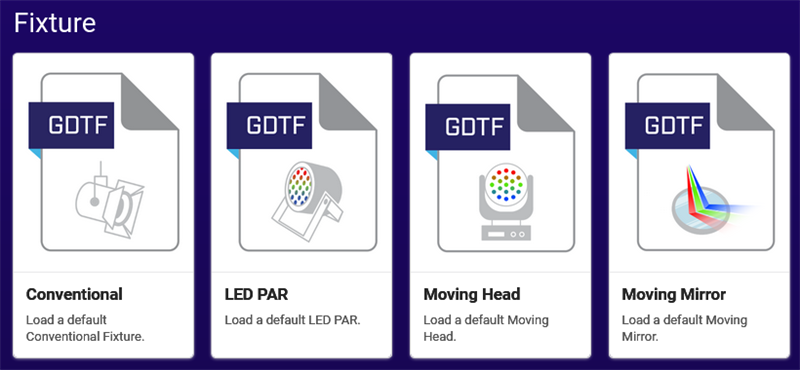
When using a fixture template, some of the relevant data is already available and only needs to be adapted. Click on the desired fixture icon, for example LED PAR. The GDTF Builder opens using the data of the fixture template.
To start from scratch, use the Empty fixture template.
Restore Last Session
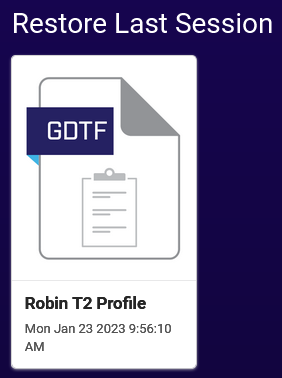
To restore the last edited GDTF file, select Restore Last Session.
Tip
Do not rely on the Restore Last Session function, as this might cause loss of data. Rather save the GDTF file regularly on the GDTF Share and on the hard drive!
Customize a GDTF File
To customize an existing GDTF file, use the import function.
Drag and drop the GDTF file from your file explorer to the dashed square below Customize an existing file or click on the dashed square. A file browser opens where a GDTF file on the hard drive can be selected.
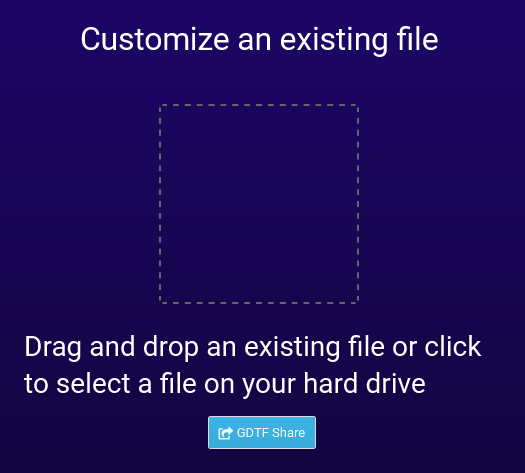
The GDTF Builder opens using the data of the imported GDTF file.
A popup will be show if the GDTF file contains any errors.
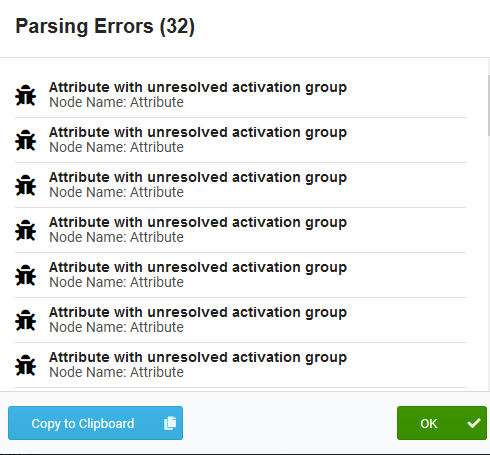
Hint: To copy the list into the clipboard, click Copy to Clipboard.
To continue, click OK.